All tracks

Artificial Intelligence

Children who understand AI, use it for real work, and know when its answer is wrong.

Ages 6 to 9Ages 10 to 13Ages 14 to 18

Track instructorSarah Ashraf

By age

Uses AI tools well, on real tasks and projects.

Ages 6 to 9

A first, simple and safe introduction to AI, suited to their age.

Tools
  • AI
Ages 10 to 13

AI tools for real tasks: computer skills plus clear prompts, and documents, images, presentations and websites made with AI.

Tools
  • Teachable Machine
  • Canva
  • Lovable
Ages 14 to 18

Advanced AI projects: deeper projects with AI tools and models, built around real problems.

Tools
  • AI

What your child gains

  • Use the computer with confidence: files, folders, safe search and email
  • Explain how a machine learns, and train their own image and sound models
  • Write clear prompts and improve them step by step
  • Check AI answers and spot when they are wrong
  • Protect their privacy and use AI to understand, not to cheat

Thinking skills we build

  • Problem solvingBreaking a big problem into small steps
  • Focus and persistenceStaying with a challenge until it works
  • Learning from mistakesDebugging as a habit, not a failure
  • EmpathyThinking about the user, and helping a teammate without taking over
  • CommunicationExplaining and presenting their own work

The journey, level by level

Ages 10 to 13 · AI tools for real tasks

  1. Level 1

    Meet the computer, meet AI

    How computers work, files and folders, safe search, how AI learns (image and sound models with Teachable Machine) and first clear prompts.

    Final project: “My Smart Computer Guide” for someone new to computers, saved as a PDF.

  2. Level 2

    Create with AI

    Prompts for text and images; Word, PowerPoint and Canva; comparing AI tools and checking their answers.

    Final project: An illustrated story book and a short presentation.

  3. Level 3

    Build with AI

    From a clear idea to a working website with AI (vibe coding with tools such as Lovable), plus plans and study tools.

    Final project: A website or plan the student designs and presents.

Students work on their own accounts, set up together with a parent. Privacy rules start on day one: no full names, addresses or personal photos in any AI tool.

Real projects
From our students' projects

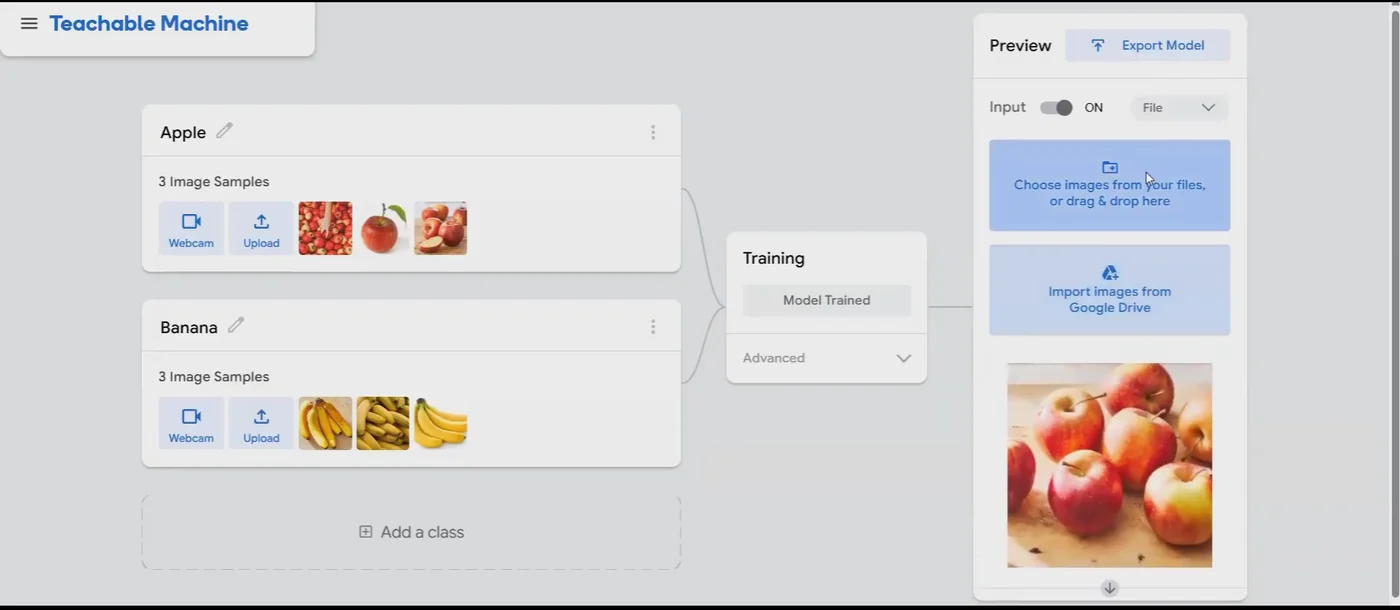
A Teachable Machine model telling apples from bananas
A model that tells apples from bananas, in Teachable Machine
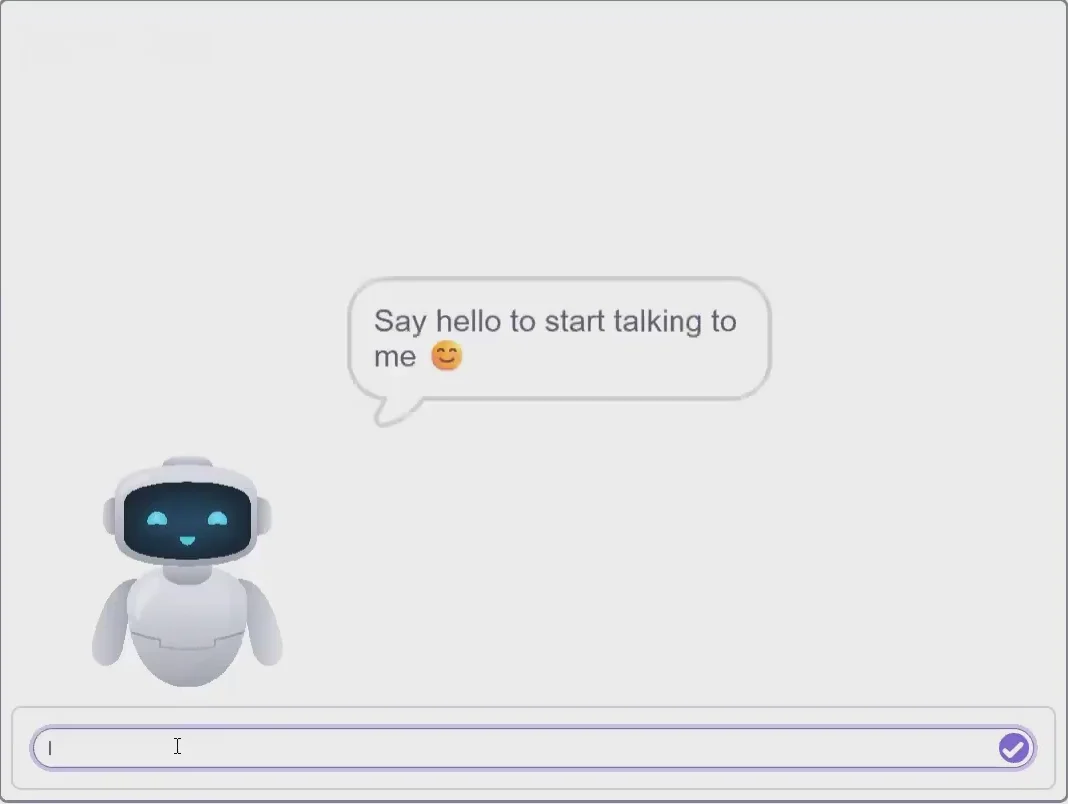
A chatbot robot asking the student to say hello
A chatbot robot that talks back
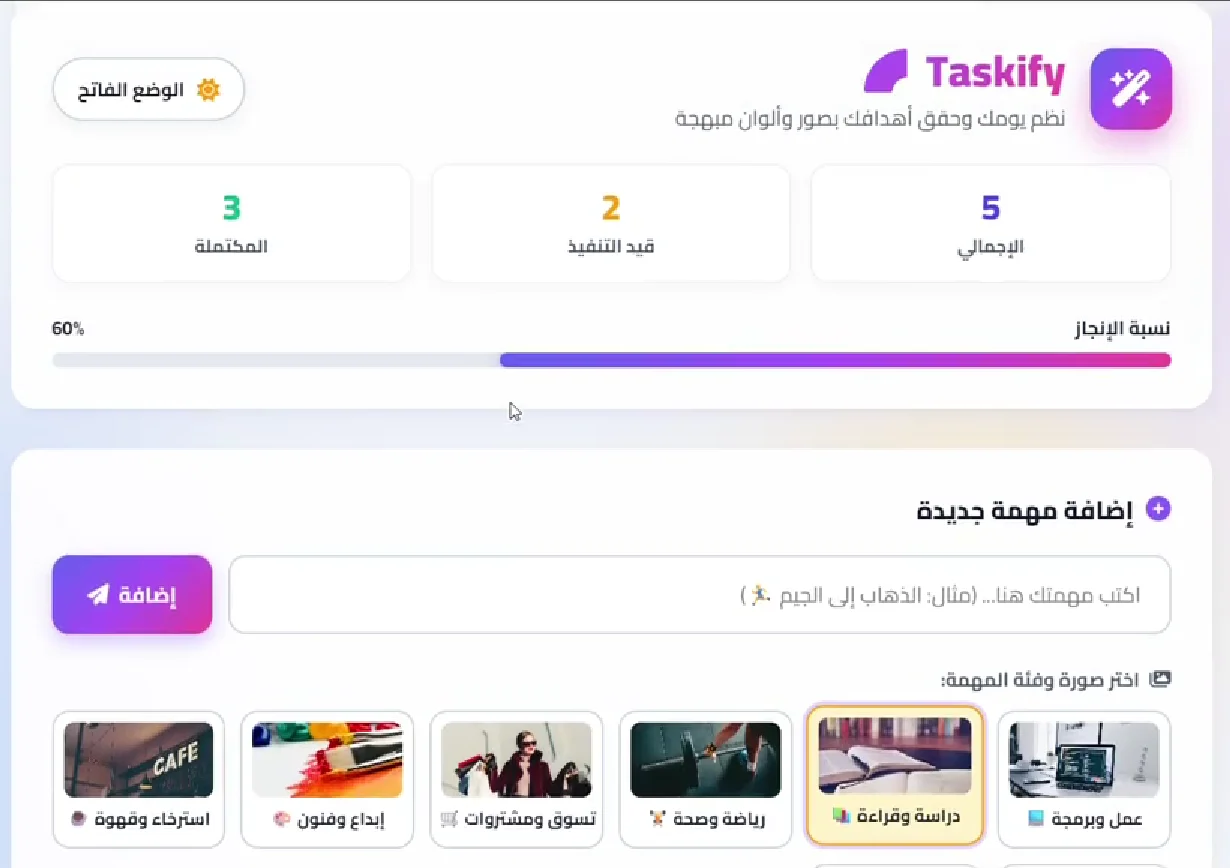
Taskify, an Arabic task-planning app
Taskify, a task app built with AI help

How we teach

  • Every level is one month: 6 sessions, 3 hours each
  • Sessions 1–3 bring new skills, session 4 is review and practice, and sessions 5–6 are the final project and presentation
  • Small groups of 6 to 12, with an instructor and an assistant in every class
  • Zero-Keyboard: the instructor asks, your child types and finds the answer
  • The same instructor team for the whole level
  • 3 progress reports per level, after sessions 2, 4 and 6
  • A certificate at the end of every level
  • Fridays and Saturdays at Hive Co-working Space, Fayoum

Not sure this track fits your child?

The free placement test suggests the closest track for your child.