All tracks

Game Development

From playing games to designing them, and understanding how games try to keep players hooked.

Ages 10 to 13Ages 14 to 18

Track instructorMahmoud Kamal

By age

Designs their own games and learns how games work inside.

Ages 10 to 13

A real game engine: drag-and-drop logic first, then code. Every session has a programmer goal and a designer moment.

Tools
  • GameMaker
Ages 14 to 18

A professional engine used by studios around the world. Students build their own playable games.

Tools
  • Unity

This track starts from age 10.

What your child gains

  • Program movement, shooting, collisions, score and lives
  • Design a game that is fun, fair and challenging
  • Test their game with real players and improve it from feedback
  • Understand random rewards and pay-to-win, and set their own screen limits
  • Present their game and explain their design decisions

Thinking skills we build

  • Problem solvingBreaking a big problem into small steps
  • Focus and persistenceStaying with a challenge until it works
  • Learning from mistakesDebugging as a habit, not a failure
  • EmpathyThinking about the user, and helping a teammate without taking over
  • CommunicationExplaining and presenting their own work

The journey, level by level

Ages 10 to 13 · GameMaker · Chapter 1: Space Shooter

  1. Level 1

    Space Rookie

    First steps in GameMaker: movement, shooting, collisions, lives and randomness.

    Final project: A playable ship that moves, shoots and dodges random rocks.

  2. Level 2

    Space Pilot

    Timers, score, power-ups and a rising difficulty curve, and why games feel rewarding.

    Final project: An endless shooter with a live score and power-ups.

  3. Level 3

    Space Captain

    Sound, animation, menus, a boss battle and playtesting.

    Final project: A finished game with a start menu, sound and a boss fight, played by classmates on Arcade Day.

Next: Chapter 2 builds a platformer (gravity, levels, enemies). Chapter 3 is a team game that students design, build and publish.

Real projects
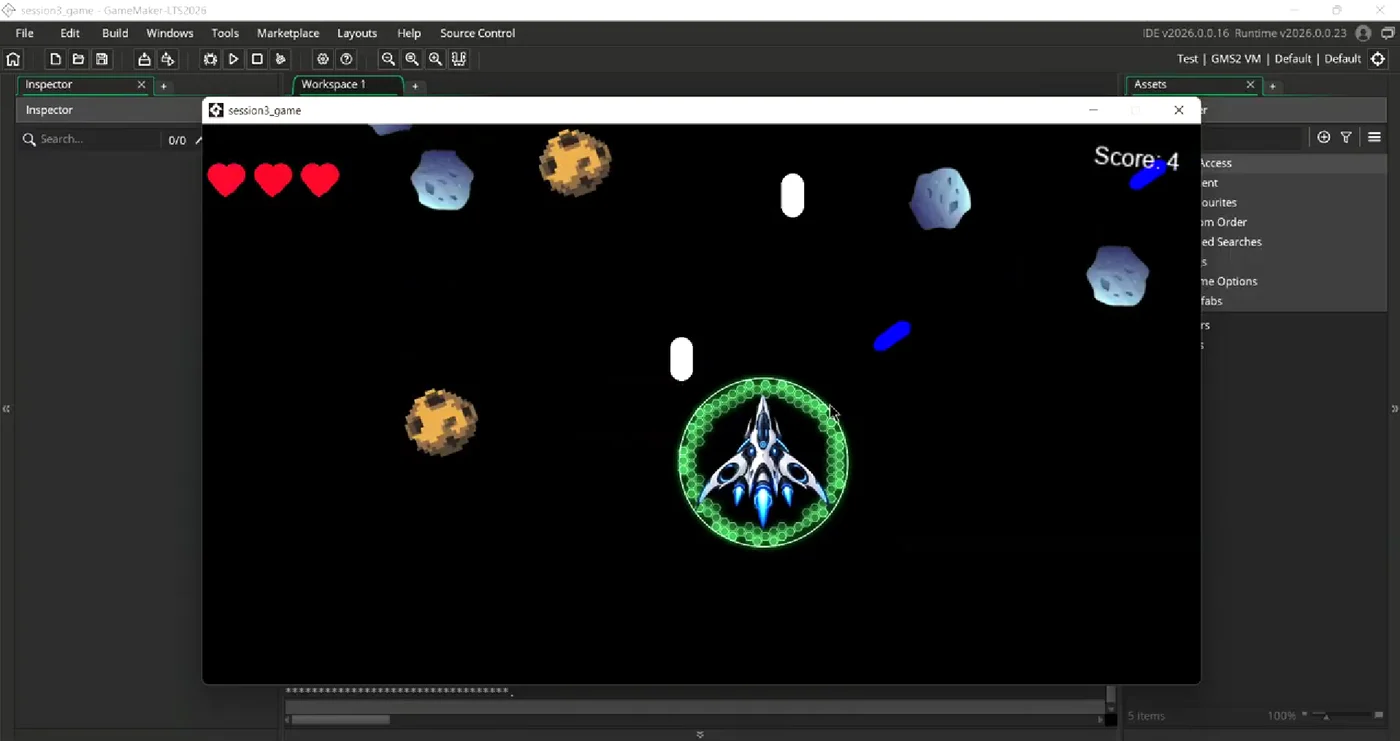
From our students' projects

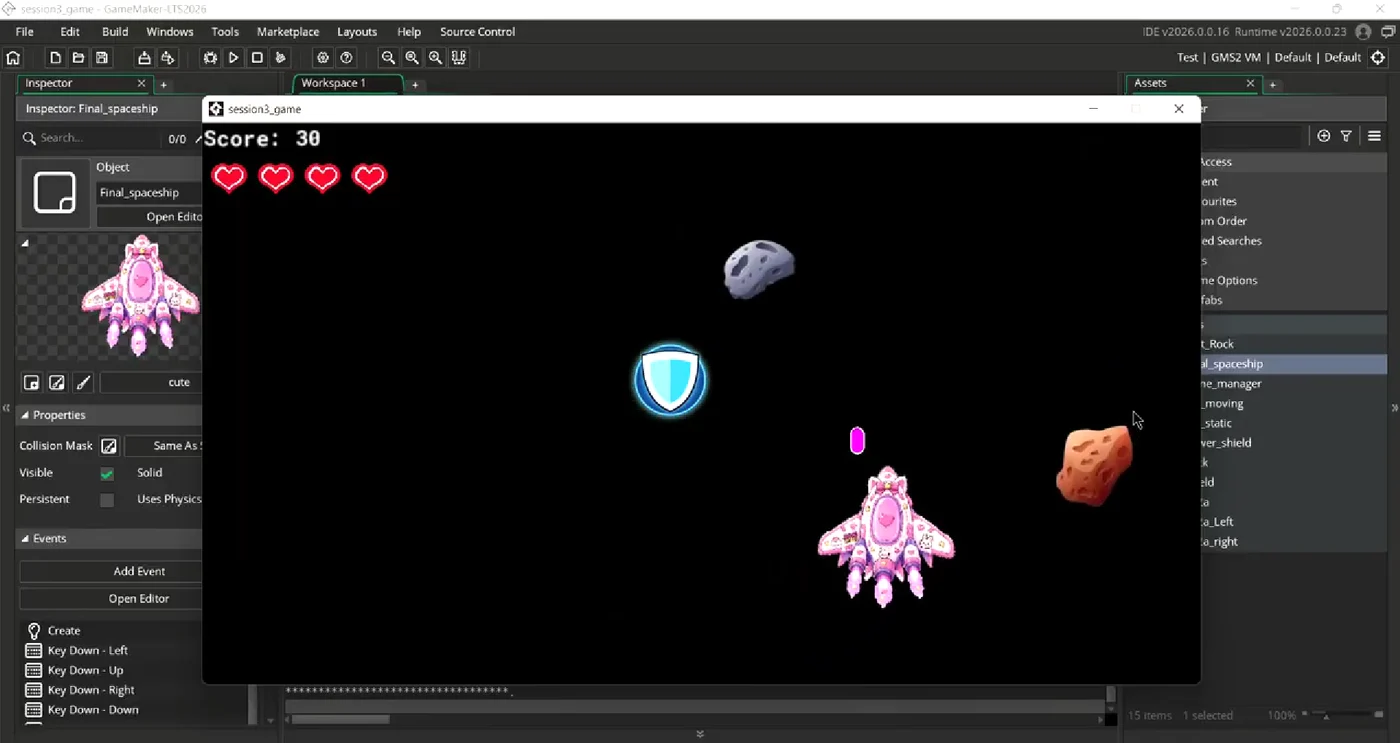
A GameMaker spaceship game with a shield
A ship with a shield, asteroids and 3 lives, in GameMaker
A pink spaceship game in GameMaker
The same game, designed by another student: a pink ship and 4 lives
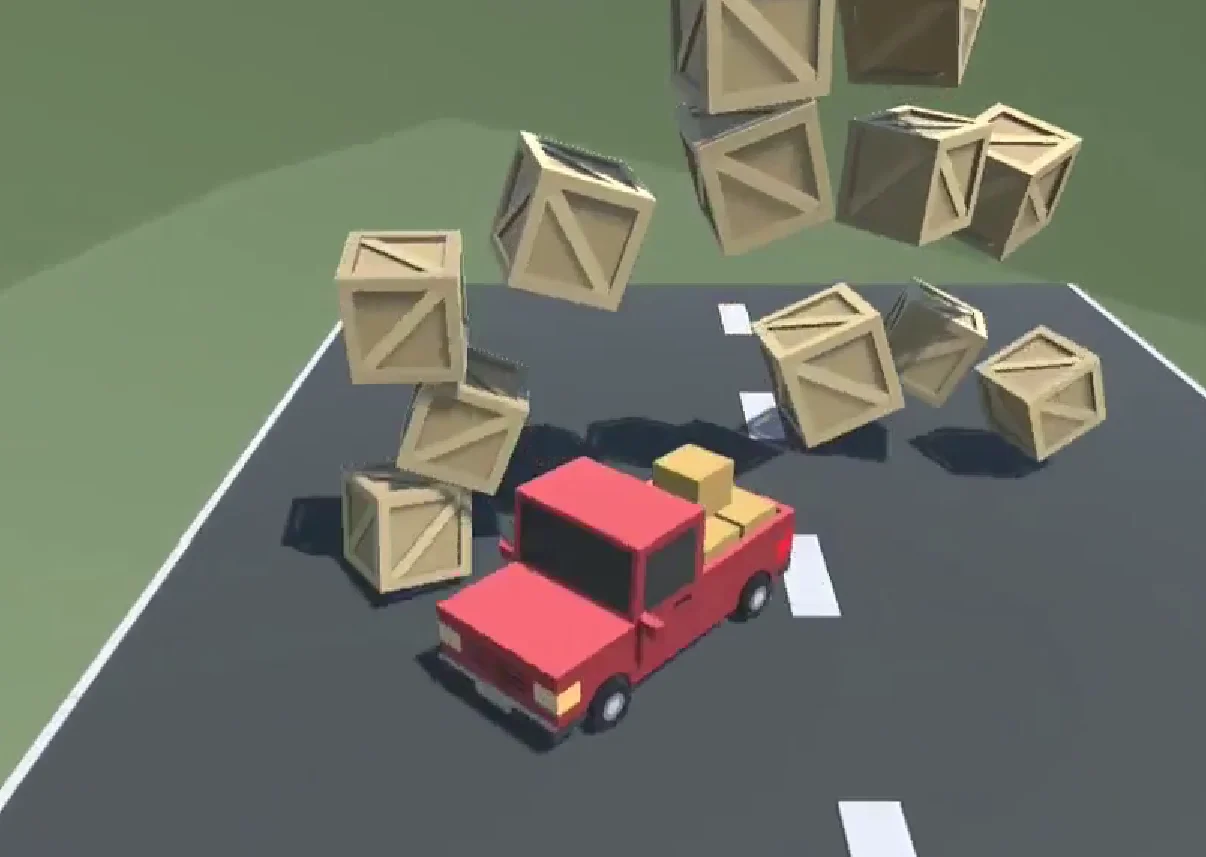
A red truck crashing into wooden crates in Unity
A truck crashing into crates with real physics (Unity)
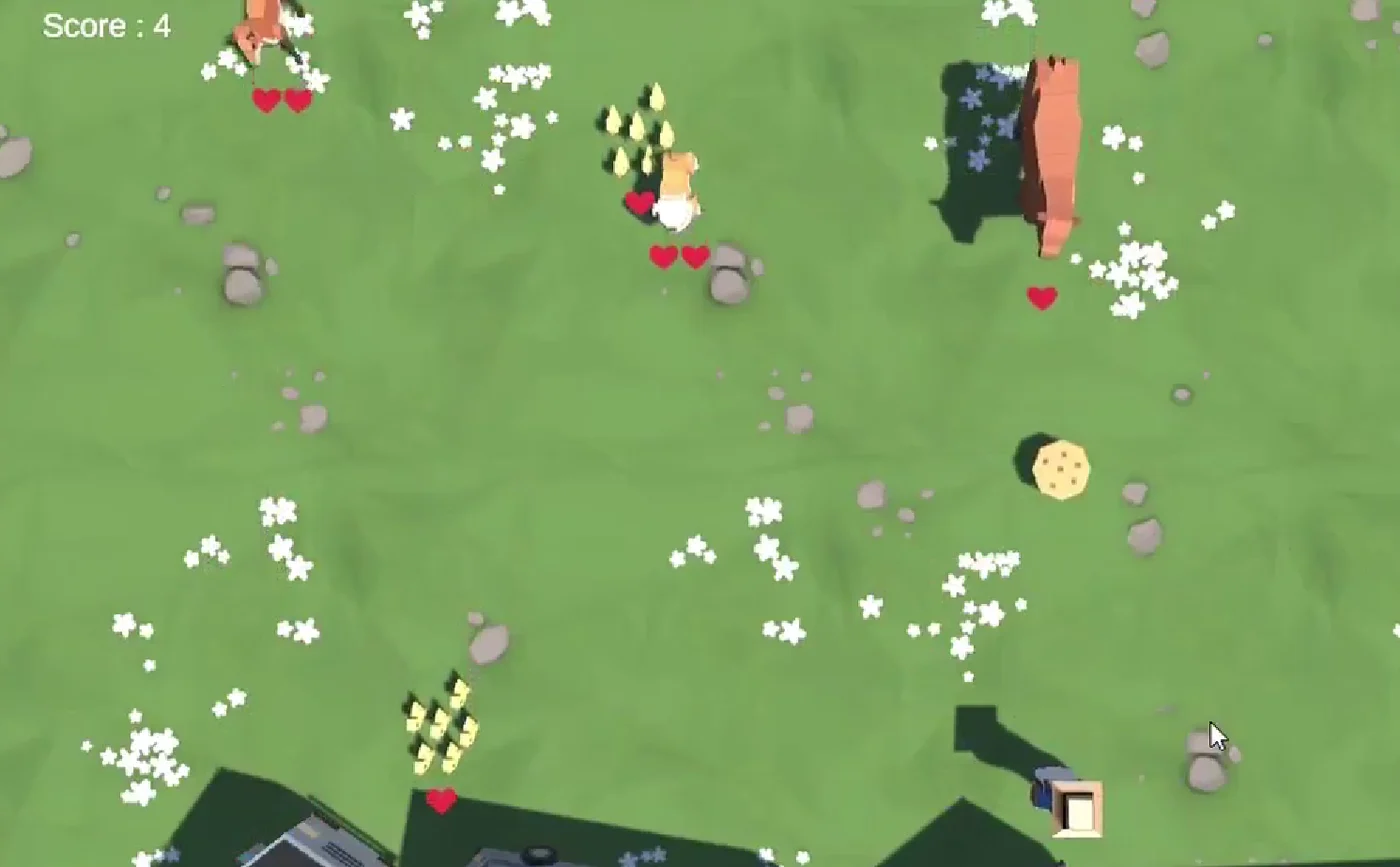
A top-down animal feeding game in Unity
Feed the animals: every fed animal adds to the score (Unity)
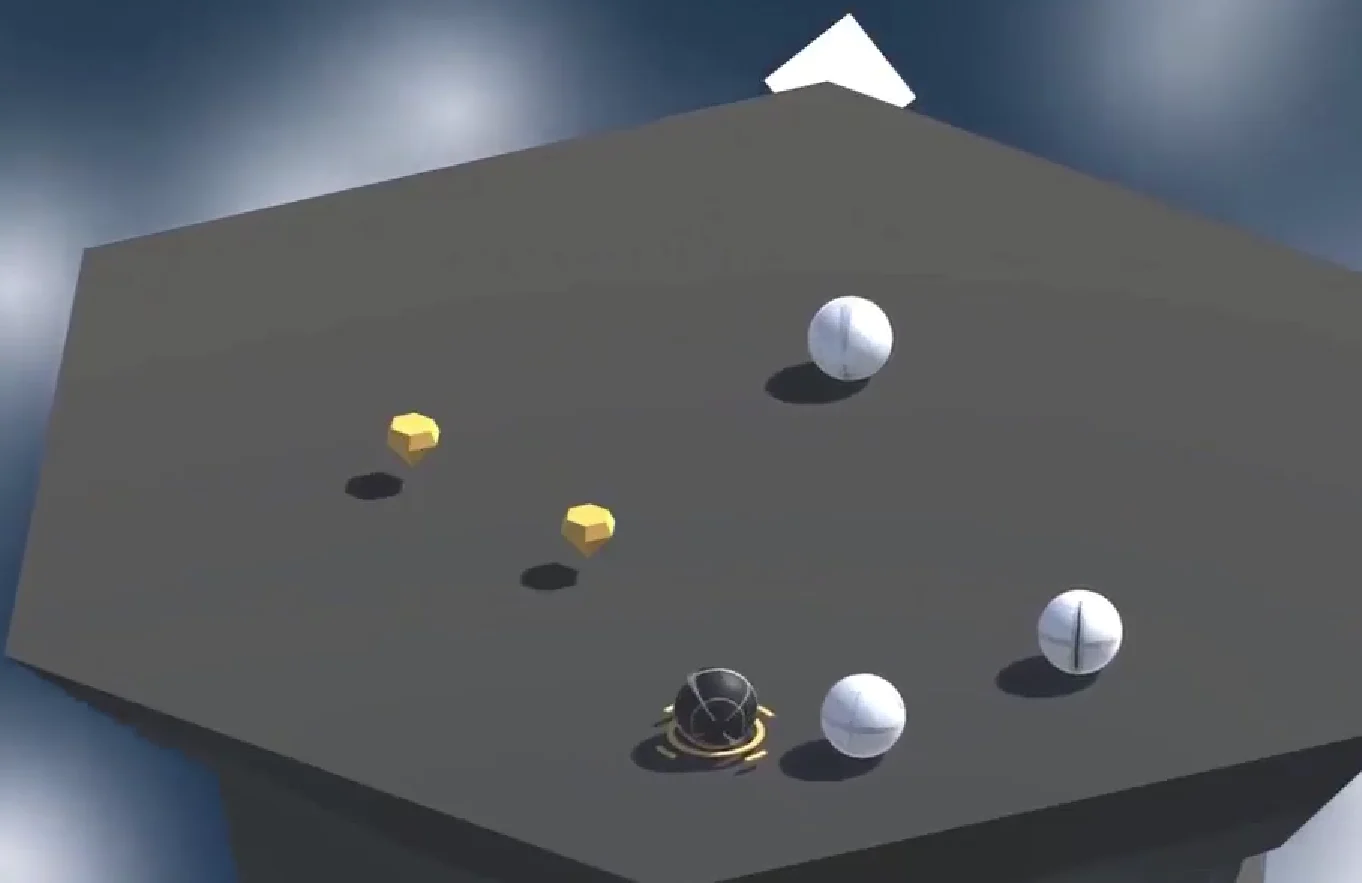
A black ball pushing white balls on a platform in Unity
A ball that knocks the others off the platform with a power-up (Unity)

How we teach

  • Every level is one month: 6 sessions, 3 hours each
  • Sessions 1–3 bring new skills, session 4 is review and practice, and sessions 5–6 are the final project and presentation
  • Small groups of 6 to 12, with an instructor and an assistant in every class
  • Zero-Keyboard: the instructor asks, your child types and finds the answer
  • The same instructor team for the whole level
  • 3 progress reports per level, after sessions 2, 4 and 6
  • A certificate at the end of every level
  • Fridays and Saturdays at Hive Co-working Space, Fayoum

Not sure this track fits your child?

The free placement test suggests the closest track for your child.